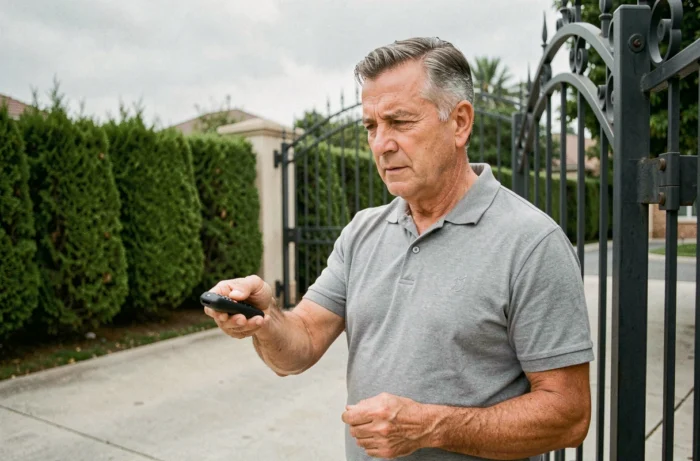
Synchronizing two gate remote controls involves transferring the radio code from an already functional transmitter to a new device. The operation seems simple, but it depends on the type of encoding used by the receiver and the transmission frequency. A wrong diagnosis of either of these two parameters is enough to cause the operation to fail.
Fixed code or rolling code: what changes in the synchronization procedure
Before bringing two remote controls together, the first thing to check is the embedded coding system. Remote controls with a fixed code always emit the same signal. Copying from one transmitter to another is done through self-learning in a few seconds, without accessing the receiver installed near the motor.
Remote controls with a rolling code work differently. The signal changes with each use according to an algorithm shared between the transmitter and the receiver. Copying the signal from a rolling code remote control to a universal clone is useless, as the receiver expects the next code in the sequence, not a repetition of the previous one.
To find out which system equips your gate, consult the motorist’s manual or look for mentions on the remote control’s casing. Brands like CAME, FAAC, or Somfy predominantly use rolling code on their recent models. If your installation is over fifteen years old, a fixed code is still possible. To understand how to synchronize two gate remote controls according to your configuration, this distinction between encodings is the mandatory starting point.
Radio frequency of the gate remote control: check compatibility before any manipulation
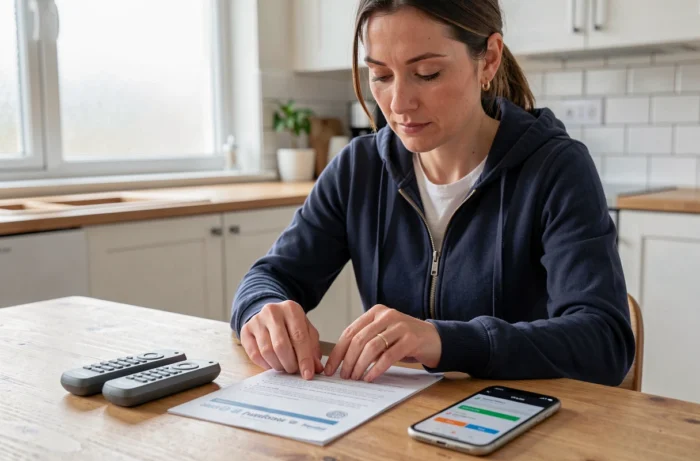
Gate remote controls emit on two main frequency bands. A remote control that works on one cannot communicate with a receiver set to the other, even if the encoding is identical.
- The most common band in France remains that used by the vast majority of consumer motors (CAME, Nice, Mhouse, BFT). The frequency indication is usually found on a label on the back of the transmitter or in the receiver’s manual.
- Some manufacturers, notably Hörmann and high-end ranges from FAAC, use a higher frequency, less prone to interference in dense urban environments.
- Universal remote controls known as “multi-frequency” cover both bands. However, they do not solve the problem of proprietary rolling codes: the frequency is compatible, but the encryption protocol may remain incompatible.
Attempting synchronization between two transmitters of different frequencies produces no results, without an error message. The receiver simply receives nothing. This is the most common cause of failure on troubleshooting forums, even before user errors.
Self-learning synchronization: the button-to-button method
When the two remote controls are compatible (same frequency, same type of coding), the self-learning procedure follows a common pattern among most brands. The principle is to place the new remote control in reception mode, then send it the signal from the old one.
Preparing the two transmitters
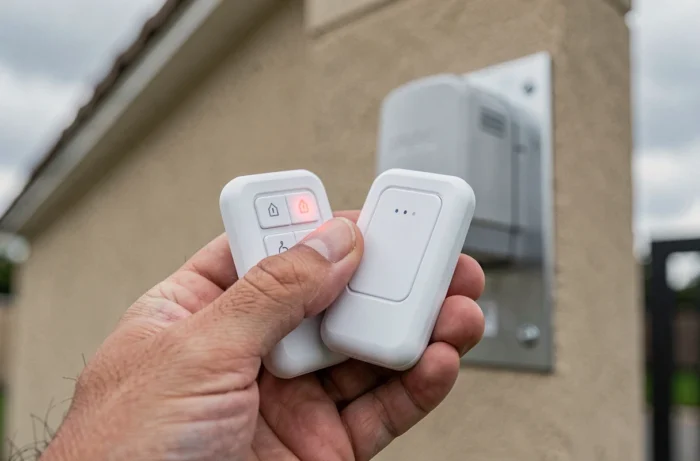
Place the two remote controls facing each other, a few centimeters apart. On the new remote control, press and hold the programming button until the LED indicator flashes. This flashing indicates that the device is ready to receive a code.
Then briefly press the functional button of the old remote control (the one that controls opening or closing). The diode of the new remote control changes behavior: a rapid flash or a steady light confirms that the code transfer has been accepted.
Validate synchronization on the receiver
For fixed code systems, the operation stops there. The new remote control now emits the same signal as the old one, and the receiver accepts it directly.
For rolling code systems, an additional step is often necessary. The new remote control must be registered directly in the memory of the receiver by accessing the motor’s casing. Press the learning button on the receiver, then the button on the new remote control. Without this registration on the receiver side, the rolling code will not work.
EN 12453 standard and RED directive: what changes for gate remote controls
European regulations have recently evolved regarding radio equipment, with direct consequences for the synchronization of remote controls. The EN 12453 standard, strengthened in 2023, imposes advanced encryption of radio signals on new installations of motorized doors and gates to limit unauthorized openings and hacking.
At the same time, the RED (Radio Equipment Directive) has recently integrated cybersecurity requirements described in the EN 18031 standard. These obligations apply to all products designed to emit or receive radio signals, including connected gate receivers and remote controls incorporating Wi-Fi or Bluetooth.
For users, this means two concrete things. First, manufacturers are gradually phasing out fixed code systems in favor of encrypted protocols, making direct duplication by copying increasingly difficult on new equipment. Secondly, when purchasing a replacement remote control, it is essential to check its CE compliance and the mention of RED/EN 18031 compatibility, especially on connected receivers.
Field feedback varies on this point: some installers find that recent universal remote controls can still copy rolling codes from previous generations, while others report total incompatibilities with updated receivers. The transition period between old and new protocols creates a gray area where compatibility is verified on a case-by-case basis.
When synchronization fails: diagnostic leads for your gate
A synchronization failure does not necessarily mean hardware incompatibility. The most common causes remain simple user errors that are easy to correct.
- The receiver’s memory is full. Most casings accept a limited number of registered remote controls. Deleting an old unused transmitter frees up a slot.
- The batteries of the new remote control are too weak to emit a usable signal. A weak signal may be received by the other transmitter during the transfer but rejected by the motor’s receiver at a greater distance.
- The receiver is in standby mode or in error. On some Somfy models, a power failure or recent outage can block learning mode. A reset of the motor casing often resolves the issue.
If none of these leads work, the encryption protocol of your receiver is likely incompatible with the remote control you are trying to register. In this case, only a remote control from the same manufacturer and generation guarantees programming. Universal remote controls have their limits, and the regulatory trend is not moving towards broader compatibility.